
3. User Guide
Smart Communications is a product designed to automate communications with customers. Smart Communications module can be connected using a special plugin that enables Smart Communications menu with access to all the tools of the product.
|
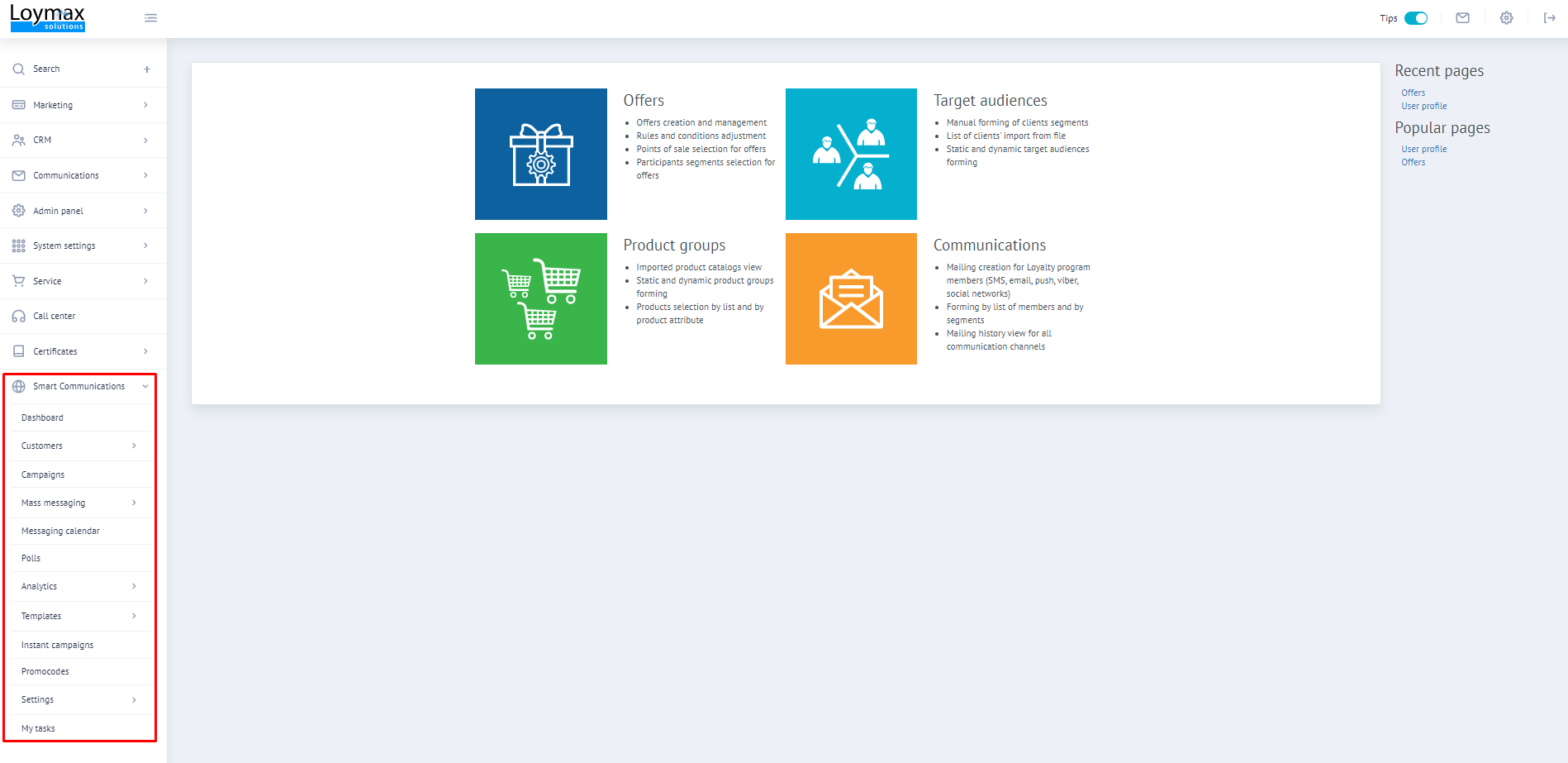
For detailed guidelines on how to work with Smart Communications and recommendations on how to create mailings and use other functionality, please refer to the child articles of this section:
|
Information about integration of Loymax Smart Communications can be found in separate sections:
- Integration of Smart Communications
- Smart Communications REST API
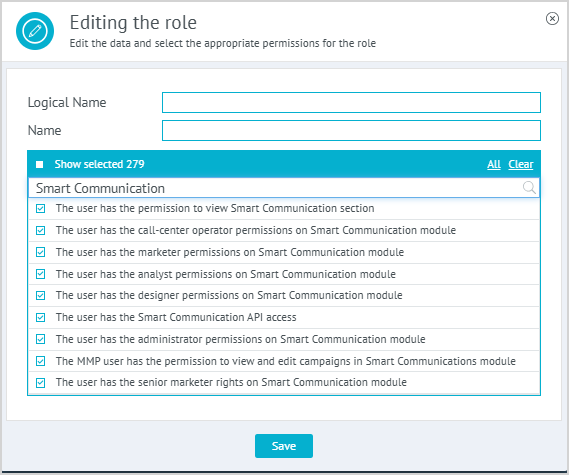 | Smart Communications sections are displayed to users depending on their roles and access rights. To work with the Smart Communications module, it is required to grant the following permissions to a user in the Permissions and roles section:
As well as one of the following permissions (depending on the user role):
|
Read also:
- General information about Smart Communications
- Basic concepts and features of Smart Communications
- Plugin that enables Smart Communications
- Frequently asked questions related to Smart Communications