
Customer registration in Loyalty Program
The customer registration in the Loyalty Program (LP) provides additional opportunities for both the Partner and the customer. The customer can register in the Loyalty Program using one of the way which is the most convenient for him. Depending on the needs of the Partner and his target audience, the following channels of customer registration in the Loyalty Program can be configured in the Loymax system:
- via Personal Account;
- via Mobile App;
- at the point of sale (at the cash register);
- via Call Center;
- via SMS;
- via Wallet App.
A customer who has registered and become a LP Member can use more opportunities, including offers and preferences individually selected for him. His cards are activated (physical and/or virtual), and, for example, become available for bonus points deduction.
The Partner, in turn, receives more information about the customer, which can be used in the future for more effective interaction and analytics.
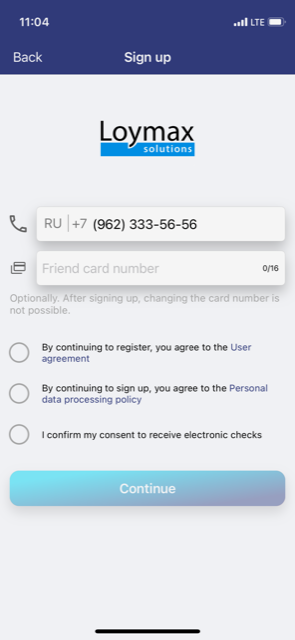
See an example of the registration form in the Mobile Application on the right.
To register a customer in the Loyalty Program at the point of sales (at the cash register) following steps must be done:
|
|
To register a customer in the Loyalty Program using the Call Center:
- The customer calls the phone number of the hotline and tells the Call Center operator the number of his bonus card;
- The Call Center operator checks whether the card is not linked to another LP Member and whether it has a status To issue;
- The operator offers the customer to agree to the processing of personal data and the formal offer, fills in the required fields of the application form based on the customer responses.
Registration of the client in the Call center is possible without a call, based on the available data (for example, an application form filled out by the customer). In that case Call Center operator must have the right to register the LP Member in the Call center without a call.
- Read more about registration in Call Center
- Read more about registration in Call Center without a call
To register in the Loyalty Program via SMS:
- The customer sends an SMS in the specified format to the number used for registration in the Loyalty Program;
- The customer receives an SMS that his card has been successfully activated. Also, this message contains a link to the Personal account of the Loyalty Program and the generated password to log in.
- Read more about registration via SMS
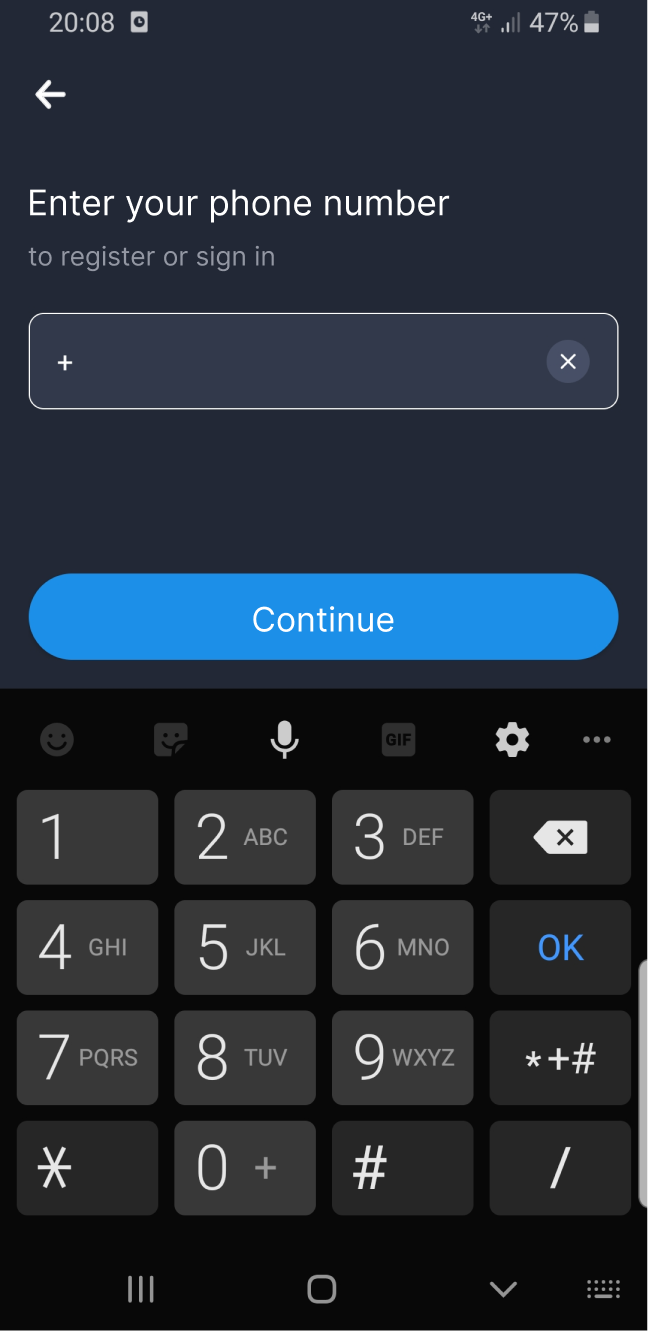
Customer registration via the Wallet App: It is possible by adding an existing LP card in the CardsMobile Wallet application. In a special section of the application, the customer can select a Loymax Partner card, specify their personal data, confirm contacts and receive a LP card synchronized with the Loymax system. See an example of the registration form in the Wallet application on the right.
|
|