Target Audiences
Adding and removing customers
There are two ways to add or remove customers to/from a target audience:
From a user segment.
- Create a new segment or open an existing segment from the segment list.
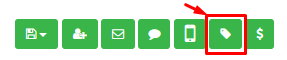
- Click the icon Include in a target audience:
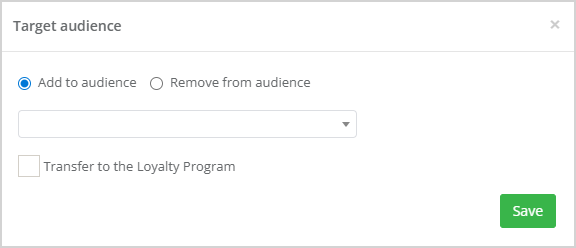
- Select the required action (add or remove) and choose the desired audience from the dropdown list:
In a campaign editor. Include the Add to audience action to the campaign chain.
Managing target audiences
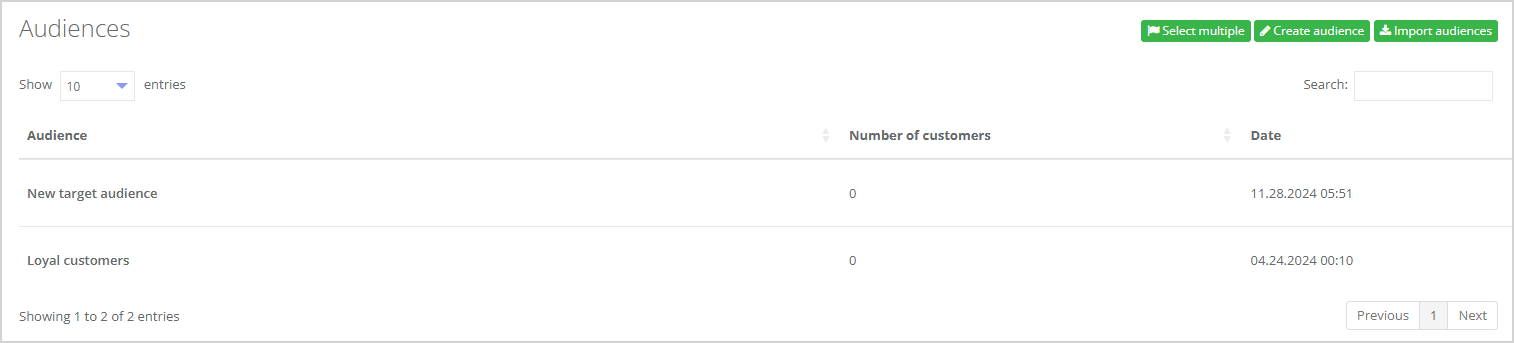
A list of all available target audiences is displayed in the Customers → Target audiences section of the menu.
The following information is shown for each target audience:
- Name;
- Number of customers included in the audience;
- Date when the target audience was set.
 |
Clicking the audience name opens a list with all customers included in that audience:
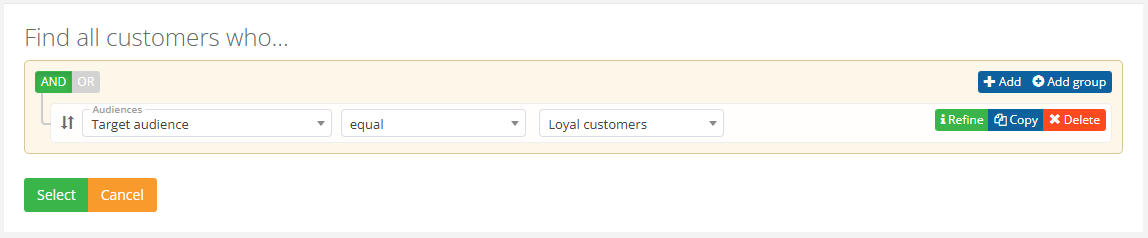 |
Click a customer’s ID to open their profile. You will find all target audiences of this customer listed in the Tags (target audience) section of the customer profile.
Importing target audiences
Audiences can be imported from a file:
- File-based audience import allows to create user segments based on data from a file. Requirements to file: CSV format, UTF-8 encoding.
- The audience import is performed by clicking on the Import audiences button in the Customers → Target audiences section:

Target audience import page layout:
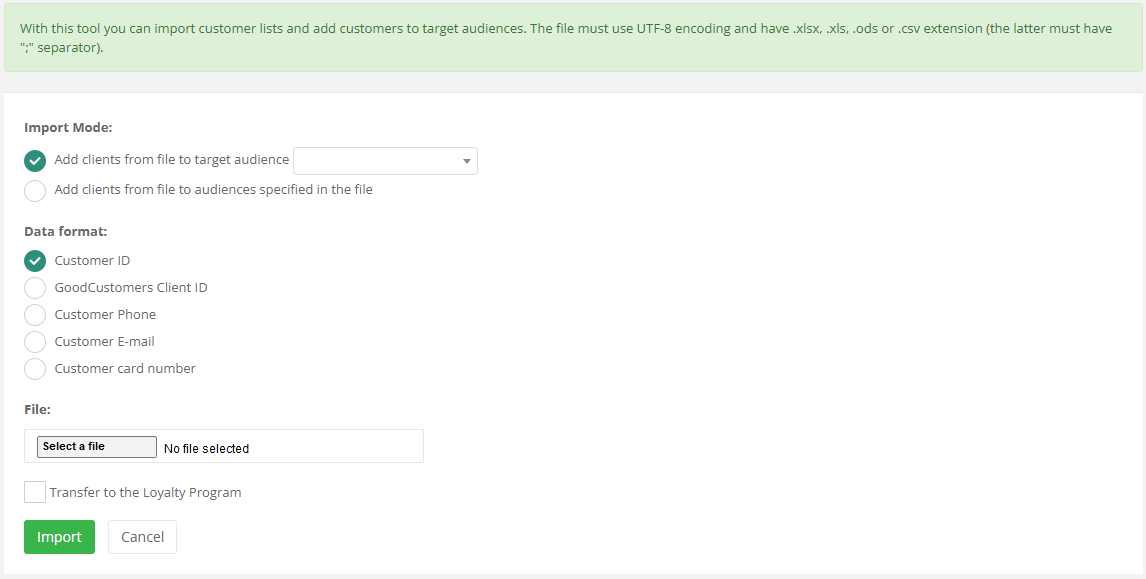 |
Select the Import Mode:
- Set one target audience to all customers from this file;
- Assign each customer from this file the target audience specified in the file. This mode allows assigning different target audiences to customers.
In the first case, the file should contain only one column with customer identifiers. These may be identifiers used in Smart Communications or those from the Partner system that feeds data into the service.
File example:
123;
124;
125;
245.
In the second case, a respective target audience should follow the customer identifier. They should be separated by a semicolon.
123; Audience 1
124; Audience 2
125; Audience 3
245; Audience 4
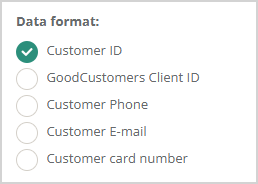
When uploading a file, specify which type of identifier is used in the file: