
Bonus card identifiers
Identifiers are created when issuing bonus cards and are used to identify Loyalty Program (LP) Members
Identifiers of bonus cards are part of the Customer's POS identifiers and include:
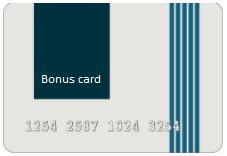 | Card numberEach bonus card number is unique and is generated based on a predefined template. We advise you to follow our recommendations when forming a number template to ensure the safety of using bonus cards. On physical cards, the number is printed on the front side, and the bonus card number can also be displayed in the customer services of the LP Member (Personal Account on the website, Mobile application, Chatbot). |
 | BarcodeFor the most convenient and quick reading of the bonus card number at the POS terminal, it is generated in the form of a barcode. The barcode can be printed on the card itself, as well as placed in a special section of the Personal Account (on the website, in the Mobile Application). |
 | Magnetic stripeSometimes physical cards are printed with a magnetic stripe. The magnetic stripe is divided into three tracks, each of which can contain a card identifier. The principles of forming identifiers in each of the tracks of the magnetic stripe are provided in the description of POS identifiers. |
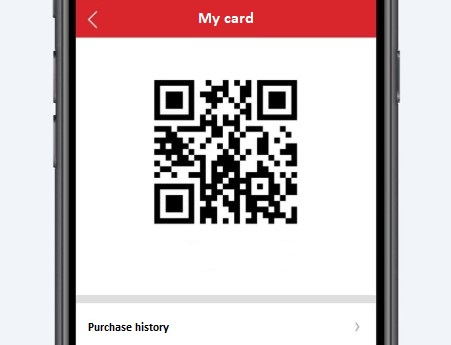 | QR codeThe Loymax system implements the dynamic formation of the card identifier in the form of a QR code. In a special section of the Personal Account in the Mobile Application, a QR code is automatically generated every time an LP Member requests. The QR code contains information about the card number, as well as a temporary code that has a certain validity period from the moment of generation. To generate a QR code in other customer services, you can use a special API method. |
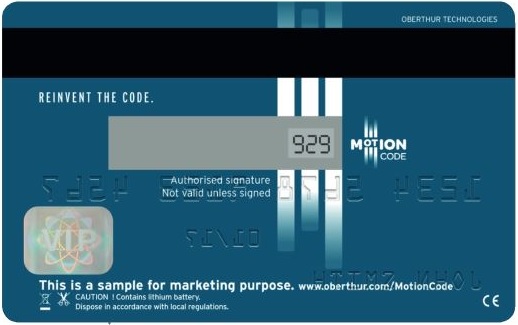 | CVC codeThe validation code of the bonus card, placed on its back side, serves as an additional way to verify the card. CVC codes are generated for bonus cards when a special mark is put during the creation of a card issue. If the card has a CVC code, it will be required during the operation of linking or replacing the card. |
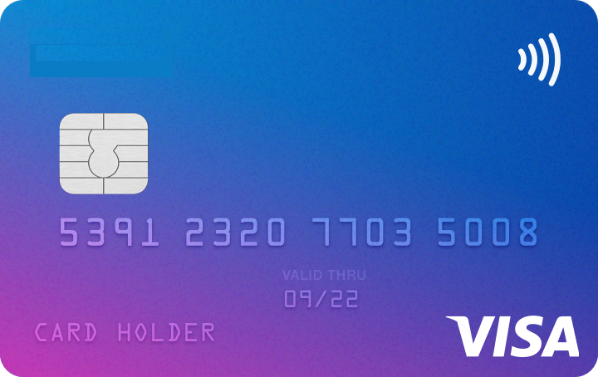 | Contactless cardInformation about the card number can also be contained on the chip of the contactless plastic card. To use a contactless card, you just need to bring it closer to the terminal. |