
15 - Sending password to an LP Member
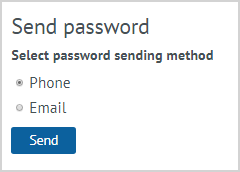
| The password from the Personal account is sent to the LP Member automatically in a welcome SMS at the time of registration in the system. In order to re-send the Password from the Personal account to the LP Member, it is possible to use the Send Password action. On the action form, it is need to select the method of sending the password: phone or email. After putting a mark to the desired position it is need to click Send. A message with a password will be sent to the LP Member via the selected communication channel. After sending a new password, the LP Member can access the Personal account only using the new password. |