
19 - Card deleting and recovering
Card removing may be required, for example, in case of loss of a physical card.
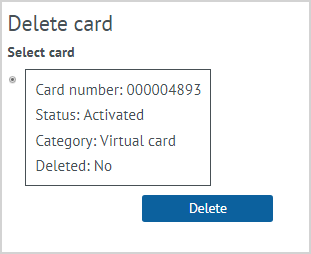
| To remove a card, select the Delete card action on the customer’s card. The form displays the customer’s cards with the number, status and category. It is need to put a mark for the card should be removed, and click Delete. The selected card will be removed from the list of customer cards. If the customer has only one card, it cannot be deleted. |
Recovery of deleted card
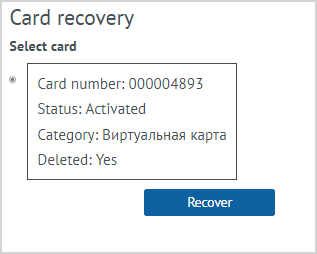
| To recover a card, the Card recovery action should be selected. The cards with the Deleted status are displayed on the form. It is need to put a mark for the card that should be recovered, and click Recover. The recovered card is displayed in the list of customer cards.
|