
03 - Customer search
If the phone number from which the call was received is not identified, but the customer claims to be registered in the system and has a loyalty program card, the Call Center agent can use the search function.
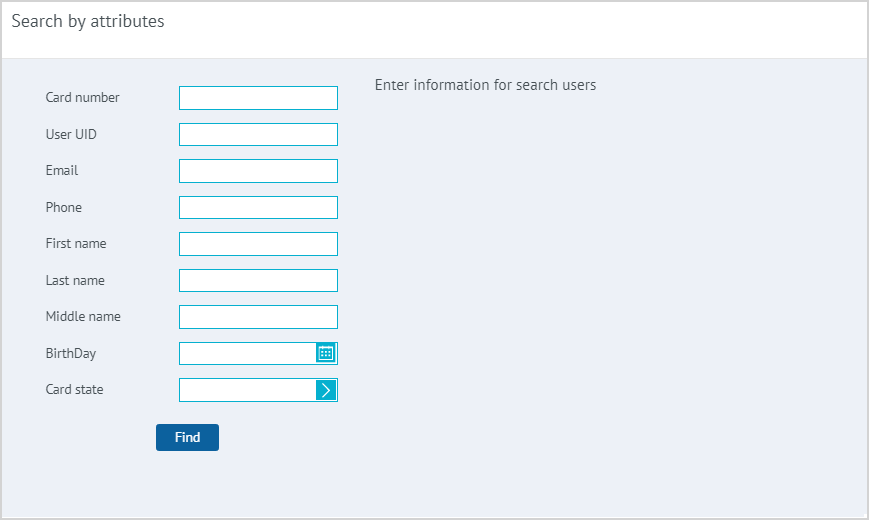
| To search for a customer, click the Search button in the main window of the Call Center section. In the window that appears, provide the information about the customer to be found. The customer can be searched by using one or several attributes: some are set during registration, others are filled in by the LP Member in the Personal Account, the rest are formed during participation in the Loyalty Program. After entering the attribute values, click Find. |
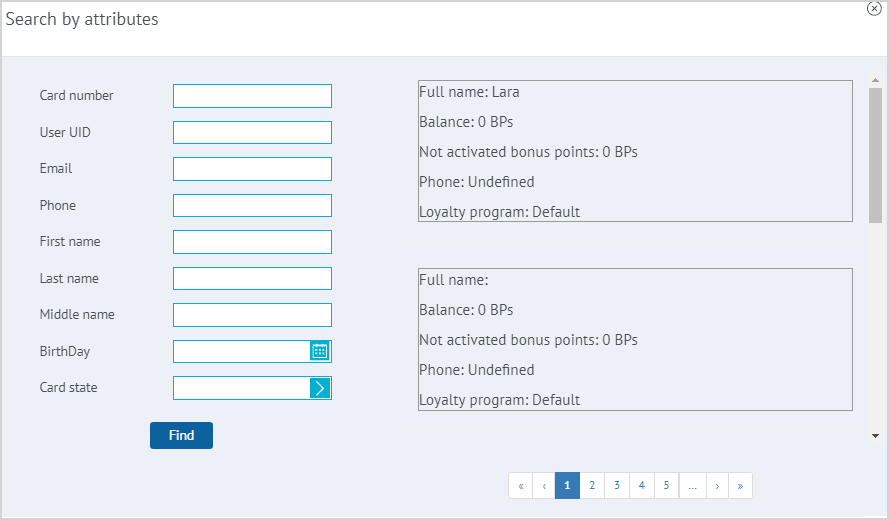
| The data of the found LP Members is displayed in the right part of the window in the form of a list of blocks, each containing the customer's name, phone number, account balance, and the number of inactive bonus points. If none of the search attributes are specified, clicking the Search button will display a list of all LP Members registered in the system. To select a customer, click on the block with the customer's information. As an additional identification method, functionality can be connected for entering and verifying the password from the LP Member's Personal Account. To view the customer’s card, click the Select button. |