
13 - Email address change
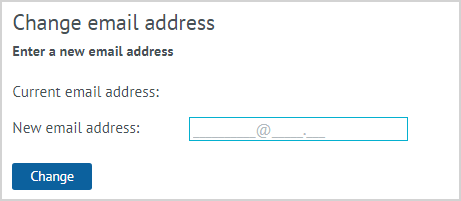
| To change or add the email address of an LP Member, it is need to select the Change email address action. The form that appears displays the Current email address (if specified) and the field for entering the New email address. As an additional identification, functionality can be connected for entering and verifying the password from the Personal account of the LP Member. To save a new email address, click Change. |
Notes:
- Identification of the LP Member can occur by entering an agent’s password from the Personal Account that the LP Member informs, or by finding out personal information about the LP Member (full name, date of birth, address), information on purchases, etc.
- After changing the email address, the LP Member can be authorized in the Personal Account via new address (if the Partner has such functionality).