
18 - Account blocking and unblocking
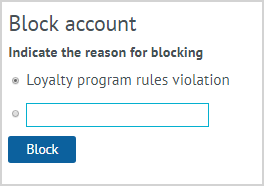
| Account blocking may be required in case of fraud in relation to the LP Member's bonus account and/or violations of the rules of the loyalty program. The account blocking operation is available only to Loymax Platform users with special rights. To block an account, select the Block account action in the LP Member card. Select or indicate the reason for the blocking and click the Block button, a message appears on the screen stating that the Member's account has been blocked. It is impossible to conduct any operations on a blocked account. |
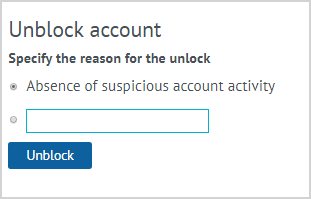
| The Unblock account action is available only to Loymax Platform users with special rights. The Unblock account button is active only for blocked accounts. To unblock the account of the LP Member, click on the Unblock account button in the Member's data sheet. Select or indicate the reason for unblocking the account, click Unblock. After unblocking, the possibility of conducting operations on the account will be restored. |