
History of actions
The Settings → History of actions section provides the ability to track all employees actions performed through the Loymax Platform.
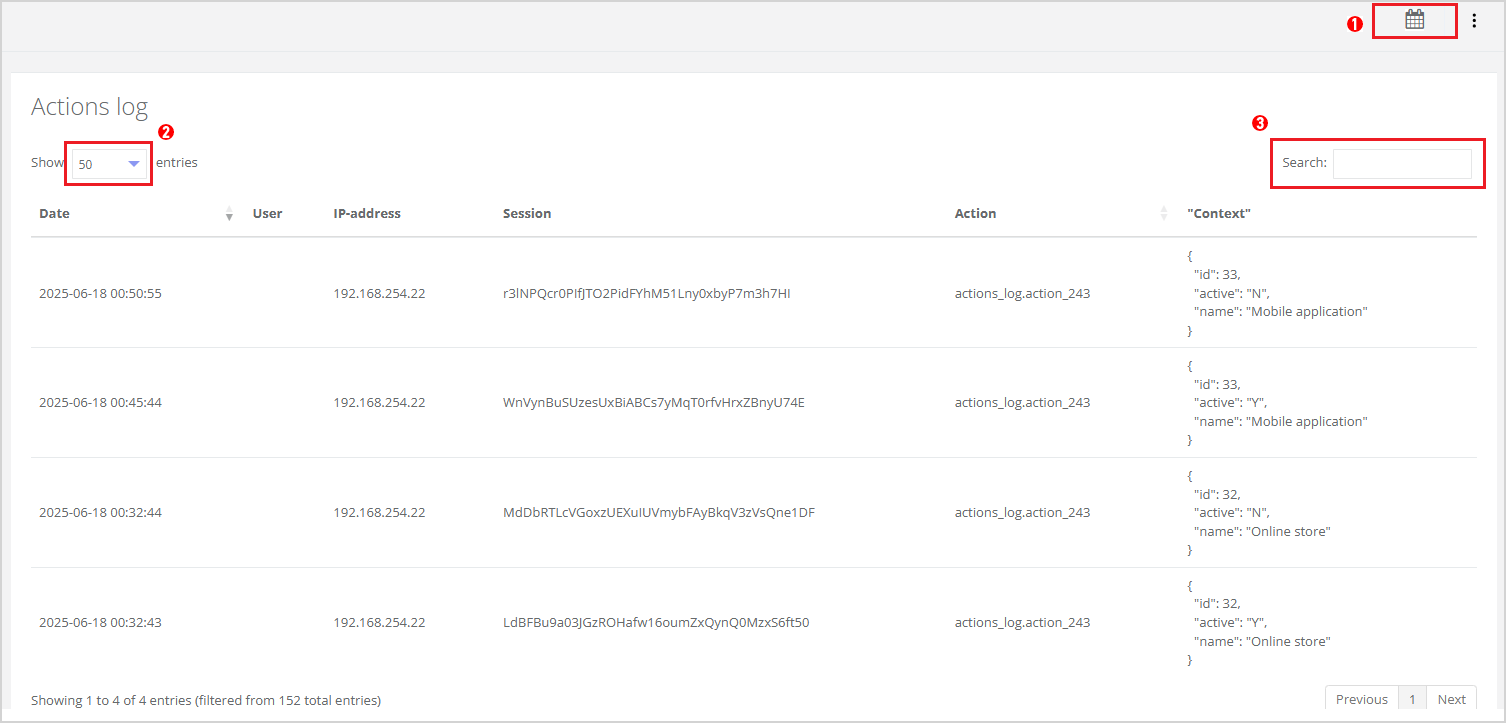
This section is used to monitor changes made via the user interface. The section interface includes the following elements:
 — to select a period for which records will be displayed using the Calendar button;
 — choose the number of records to display (10, 50, or 100) from the dropdown list;
 — find a specific record by keyword in the Search field.
The table displays the following information for each record:
- Date,
- User,
- IP-address,
- Session,
- Action,
- "Context".
You can sort the table using arrows in the column headers Date and Action. Sorting is done in ascending or descending order for Date; and it's sorted by action type for Actions.
|