
4.2. SMS mass messaging
The SMS mass messaging module allows to send SMS notifications to a group of customers.
| SMS mailing page without Viber option | SMS mailing page with activated Viber option |
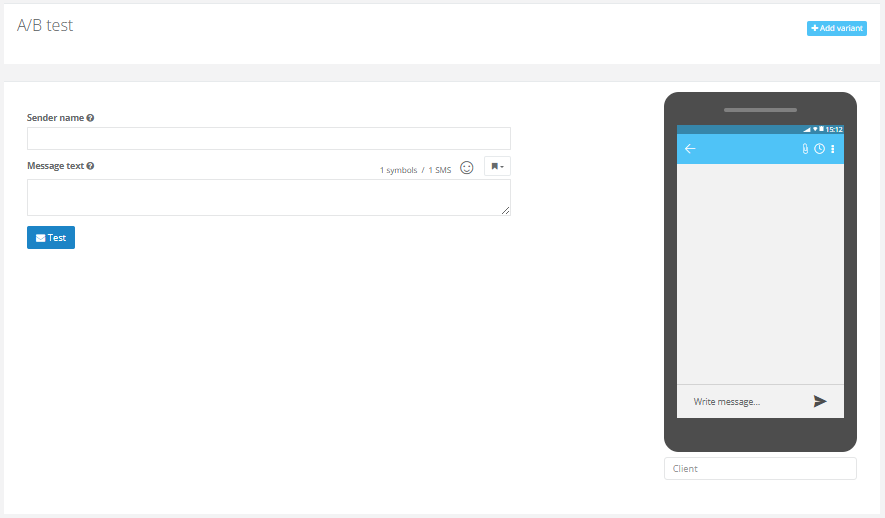 | 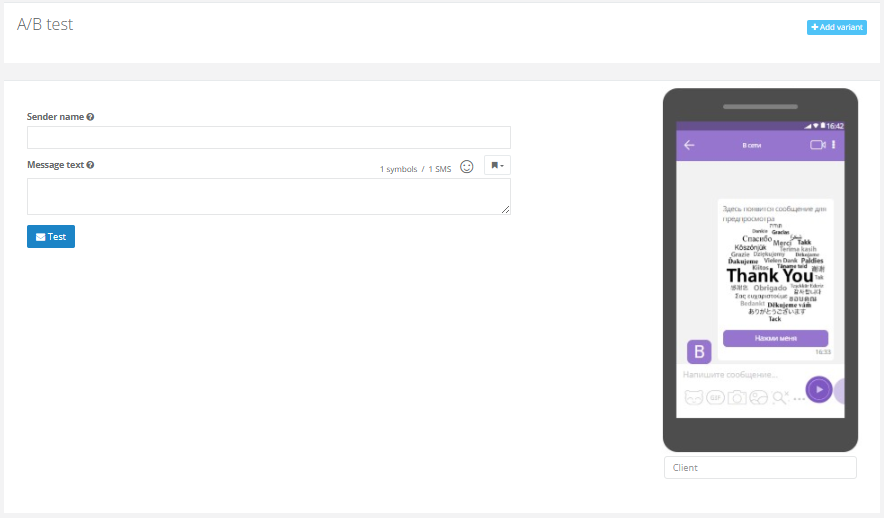 |
SMS mailing parameters
Filling out the SMS mailing parameters consists of the following steps:
- Setting up A/B testing in the mailing, if required.
- Filling out the message parameters. In case of A/B testing, it is necessary to fill out several variants of the message.
- Filling out the mailing settings.
Message parameters
- Specify the Sender name;
- Fill in the message text. You can use the Template Engine constructs in the SMS text.
- There is an option to upload the image (if needed). Smart Communications does not have any restrictions on the image size, except for the Nginx file upload limit — 32 MB. However, Google FCM does have file size limitations. If the payload exceeds the allowed size, Firebase may respond with the ‘Message Too Big’ error for the entire request. To avoid such issues, we recommend following the guidelines below for image size in SMS mailings:
- Image format: PNG or JPG.
- Recommended image size: up to 300 KB.
- Image aspect ratio: 2:1.
- Maximum image size: 800 pixels.
- Maximum image width: 1,000 pixels.
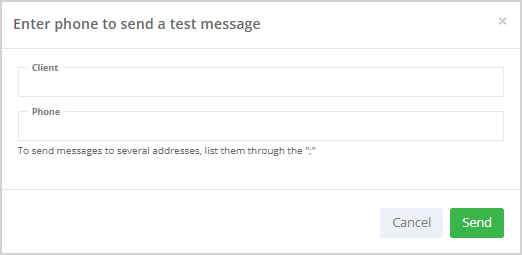
After filling out the message parameters, you can send a test message. To do this, click Test. In the opened window specify the phone number and click Send.
 |
Mailing settings
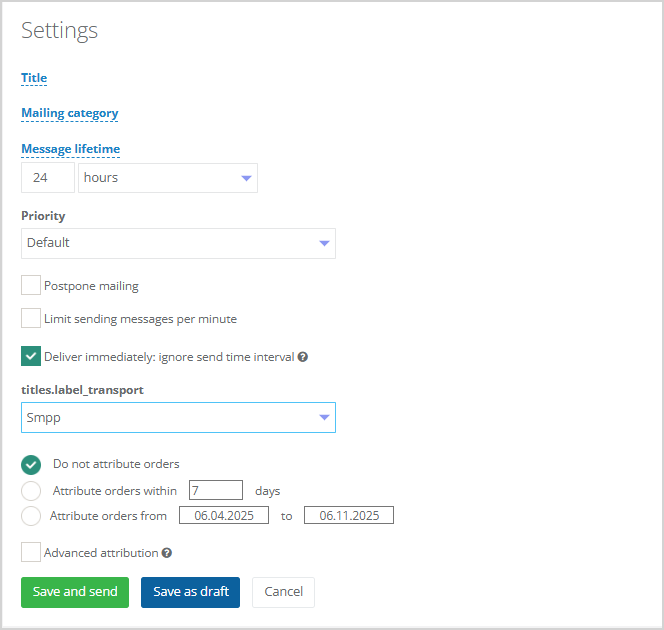 |
All types of settings have the same set of settings. Detailed description of mailing settings can be found in a separate article.
Cascades
If the SMS provider supports the Viber option, the cascade logic will be as follows:
- If only SMS text is provided — only the SMS will be sent.
- If only Viber text is provided — only the Viber message will be sent.
- If both SMS and Viber texts are provided, the System first attempts to deliver the Viber message. If delivery fails within 3 hours, the message is sent via SMS.
The below 3 categories of recipients do not receive Viber messages:
- customers who do not have Viber app installed;
- customers whose Viber was disabled on the day of the mailing;
- customers who at some point checked the box "Unsubscribe me from mailings of this brand" (a built-in Viber feature for branded mailings).